






Why you need Microsoft Copilot: Your Microsoft Copilot training at a glance
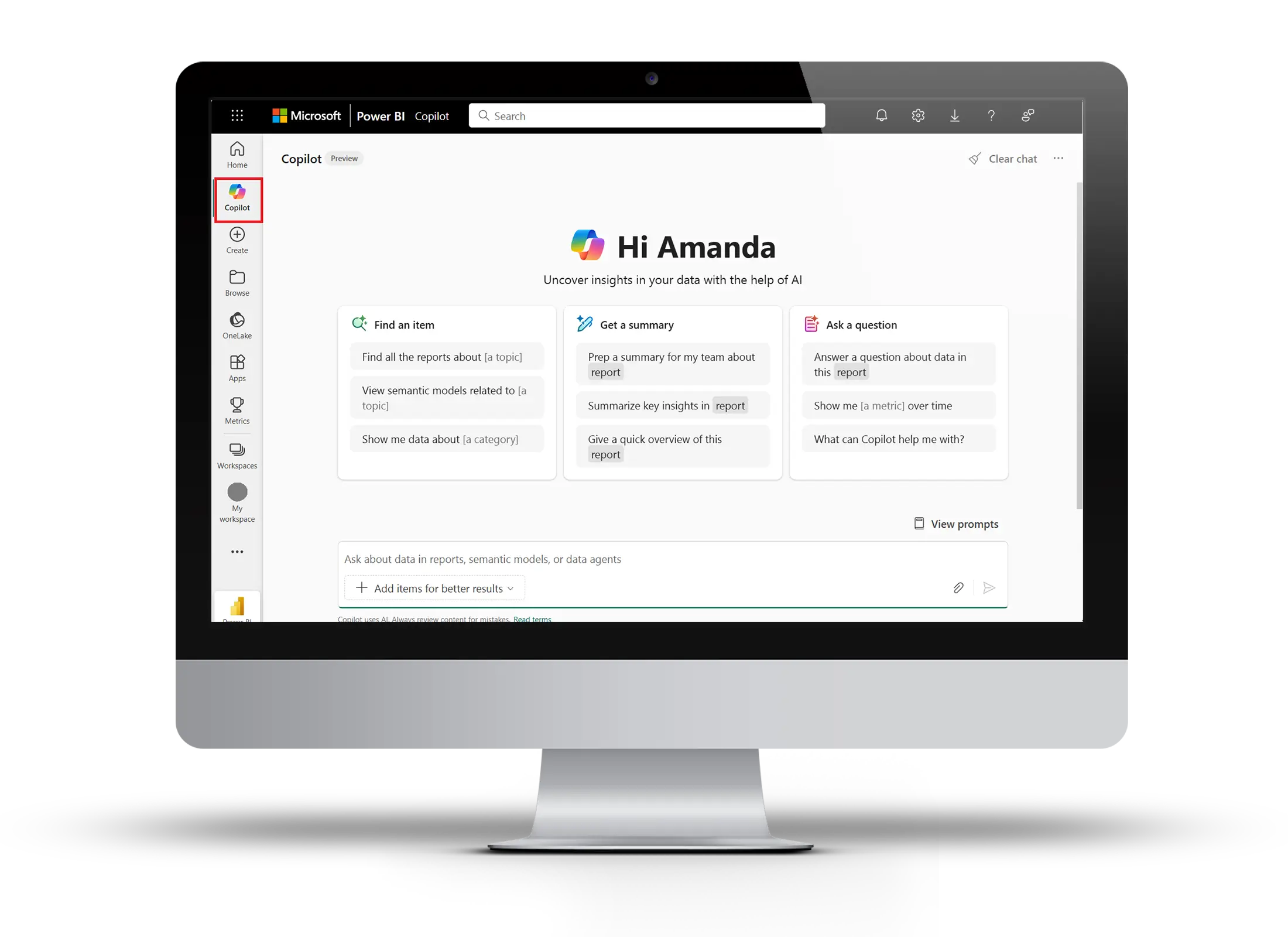
Our training day starts with getting to know each other and sharing experiences about AI. This is followed by a keynote speech on the background and potential of artificial intelligence with the aim of making potential accessible to you as well. In order to get to know the MS Copilot optimally, we will then guide you live and step by step through the most important functions in your interface.

Getting to know & sharing experiences
We collect expectations, maturity levels and current pain points as a basis for the day. This will focus the following sessions on your everyday tasks.
Impulse: AI First - but why? Mindset & Use Cases
Everything the same as always, only with AI? We explain why AI requires a radical rethink. And why “AI First” is not an exaggeration but an essential principle for companies.
Deep Dive in Copilot Features
Live guide through your interface: web vs. work, agents, files & prompt catalog, search, save/schedule prompts, personalization, image and voice, and co-pilot in Microsoft apps.
Agents & Prompting for Your Everyday Work
From prompt basics and mini exercises to prompt elements to custom instruction, prompt chaining and attention mechanism.
Data Protection, Compliance & EU AI Act
We categorize risks and show appropriate attitudes. To this end, we deal with risk classes, obligations and violations of the EU AI Act.


“The cooperation with taod is consistently excellent — the trainings are tailored to our needs, professionally prepared and carried out reliably. With their support, we are creating the basis for a sustainable digital future for our company. Highly recommended for anyone who wants to make digital transformation effective.”
Niklas Niemczyk
Digital Transformation Manager


“The workshop gave our team really good insights into how we can make good use of artificial intelligence in everyday work. The practical examples, which we were able to transfer directly to our own tasks, were particularly helpful. The training was super understandable — both for beginners and for those who had already had initial experience with AI.”
Amandine Michel
HR Development Manager